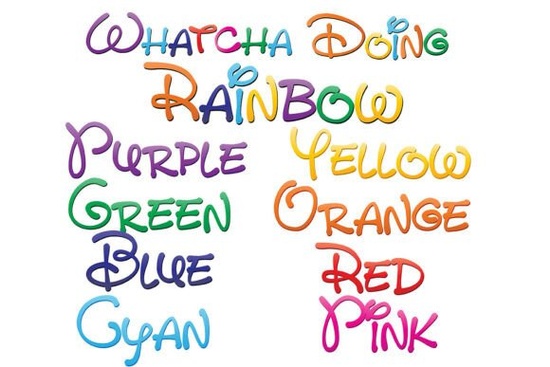
If you’ve ever wanted to add a splash of playful personality to your designs without spending hours illustrating or layering colors, the Whatcha Doing Font might be exactly what you’re looking for. This isn’t just one font it’s a set of nine full-color, hand-written SVG fonts that bring a cheerful rainbow gradient right into your text. Each character is pre-colored with soft transitions across eight hues, and there’s even a ninth version that blends all those colors together for extra vibrancy.
Designed with crafters, small business owners, and digital creators in mind, these fonts work seamlessly in programs that support OpenType SVG color fonts like Adobe Illustrator, Photoshop, Inkscape, and Silhouette Studio. You’ll see the full rainbow effect as soon as you type, no manual coloring needed. That makes it ideal for quick social graphics, greeting cards, kids’ apparel designs, or even branding elements that need a friendly, approachable feel.
How do full-color SVG fonts actually work?
Unlike traditional fonts that rely on a single fill color, SVG fonts embed vector-based color information directly into each glyph. This means every letter comes pre-styled with its own palette and shading. When used in compatible software, you get rich, multi-hued text that scales cleanly to any size perfect for both screen and print.
Keep in mind: if you open a document using the Whatcha Doing Font in a program that doesn’t support color fonts (like older versions of Microsoft Word or basic text editors), the letters will appear black. That’s normal. The color magic only shows up where SVG font support exists. You can check compatibility by typing a sample if it pops up in full rainbow glory, you’re good to go.
What can you create with these fonts?
The whimsical, hand-printed style lends itself well to projects that benefit from warmth and charm. Think:
- Kids’ party invitations with instantly colorful headlines
- T-shirt and tote bag designs for print-on-demand shops
- Social media quotes that stand out in feeds
- Sticker sheets or planner embellishments for crafters
- Branding accents for boutique businesses like bakeries or toy stores
Because the fonts are vector-based, you won’t lose quality when resizing whether you’re designing a tiny enamel pin or a large wall decal. And since each font file includes a full alphabet, numbers, and punctuation, you can build complete messages without switching tools.
How to install and use the Whatcha Doing Font
Installation is straightforward. On Mac, simply double-click the .otf files and click “Install Font” in Font Book. Windows users can install via the Control Panel or their preferred font manager. Once installed, the fonts appear in your design software’s font menu like any other typeface.
One helpful tip: even in compatible apps like Adobe Illustrator, the font preview window might still show black text. Don’t worry once you click into your document and start typing, the colors will appear. If they don’t, double-check that your software version supports SVG fonts (most recent versions of Adobe Creative Cloud do).
For those curious about exploring similar options, you can browse the full collection at colorful hand-lettered fonts like this one. And if you’d like to see the original product page, the Whatcha Doing Font is available through Creative Fabrica.
Is this font right for your project?
It depends on your audience and medium. If you’re designing for children, lifestyle brands, or anything that calls for a lighthearted, handmade aesthetic, these fonts deliver instant visual appeal without extra effort. But if you need strict brand consistency or monochrome output (like laser engraving or single-color screen printing), you might prefer a standard outline font instead.
Also note: while the rainbow effect is part of the font’s charm, it’s not customizable per letter within the font itself. You can’t easily change the pink in one word to blue unless you convert the text to outlines and recolor manually which works in vector programs but adds steps.
Before you download, ask yourself:
- Does my design software support SVG color fonts?
- Am I creating something that benefits from a cheerful, informal tone?
- Will my final output preserve color (digital, full-color print, etc.)?
If you answered “yes” to most of these, the Whatcha Doing Font could save you time and spark creativity. Just remember to test it in your usual workflow first type a short phrase and confirm the colors render as expected. That way, you’ll avoid surprises during production.
Download Now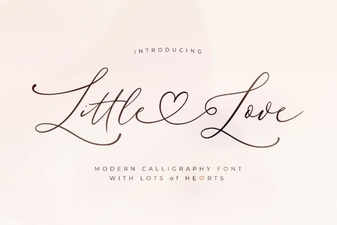 Little Love Font for Sweet & Creative Design Projects
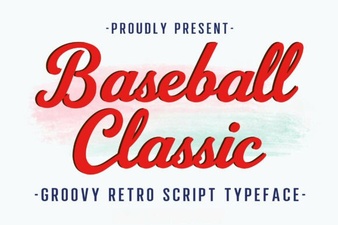 Design Your Baseball Project with Classic Fonts
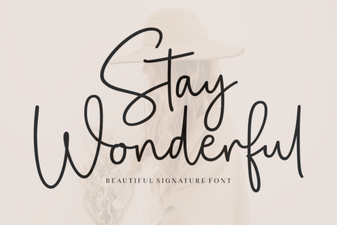 Introducing the Stay Wonderful Font Collection
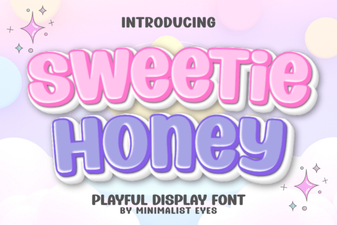 Sweetie Honey Font Designs & Free Downloads
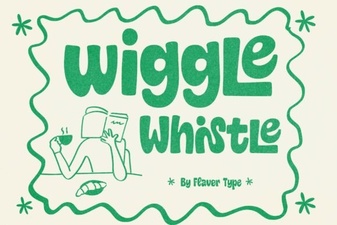 Wiggle Whistle Font: Design Your Playful Logo
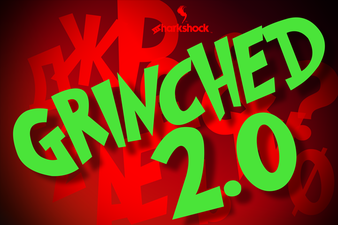 Grinched 2.0 Font: Creative Design Projects & Ideas